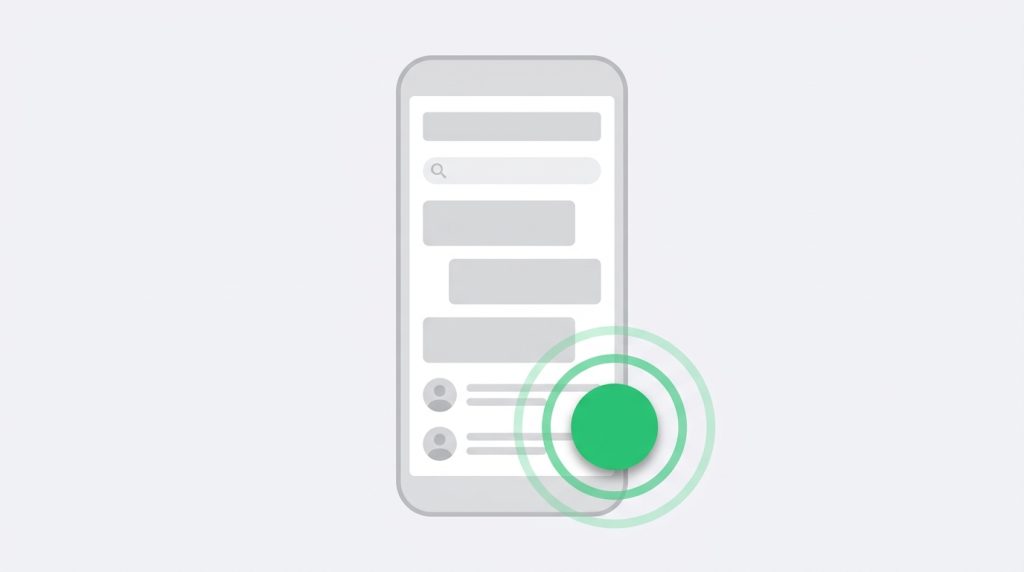
A WhatsApp button converts better than a contact form for a lot of businesses — but only if the number is formatted correctly, the button sits where a thumb can reach it, and someone is actually there to reply. Here is all three.
How click-to-chat works
WhatsApp exposes a plain URL format. There is no API, no account linking, no approval process:
https://wa.me/<number>?text=<message>
That is the whole mechanism. Any link on any page can open a WhatsApp conversation with you.
The number format — where most people go wrong
The number must be in full international format with no plus sign, no spaces, no dashes and no leading zero.
| Written as | Use |
|---|---|
| UK 07700 900123 | 447700900123 |
| US (415) 555-0134 | 14155550134 |
| Pakistan 0300 1234567 | 923001234567 |
| India 098765 43210 | 919876543210 |
Drop the leading zero from the national number and prefix the country code. A wrongly formatted number produces a link that opens WhatsApp and then fails with “phone number shared via url is invalid” — which looks broken to the visitor and gives you no notification that anything happened.
Test it before you ship it
Paste the finished URL into a browser on a phone that does not have your number saved. If it opens a chat with the right account, you are done. Testing on your own phone can produce a false pass.
Pre-filling the first message
An empty chat window is a small but real barrier — people hesitate over how to open. Pre-filling removes that and tells you where the conversation started:
https://wa.me/447700900123?text=Hi,%20I%20have%20a%20question%20about%20pricing
URL-encode the text: spaces become %20. Most plugins handle this for you.
Writing a pre-filled message that works
- Keep it short. One sentence. People edit long messages, and editing is friction.
- Make it a genuine opener, not a script. “Hi, I have a question about pricing” reads like a person. “Hello, I would like to enquire about your products and services” reads like a form.
- Vary it by page. A pricing page button that pre-fills “question about pricing” tells you the source without any analytics setup.
- Never include personal detail. It is their message, not yours.
Where to put the button
Bottom-right is the convention, and conventions are worth following for a control people need to recognise instantly. Three things to watch:
- Do not stack it on your floating icon bar. If you run a left rail, a right-corner chat bubble is fine. Both on the right is clutter, and on mobile they will overlap.
- Mind your cookie banner. On mobile these routinely cover the bottom-right corner. Test with the banner showing, not after dismissing it — your first-time visitors never see the dismissed state.
- Mind the iOS safe area. Buttons pinned flush to the bottom on iPhone can sit under the home indicator. Leave around 20px of clearance.
On desktop, wa.me links open WhatsApp Web, which requires the visitor to have already linked their phone. If most of your traffic is desktop, keep an email address or form visible too — do not make WhatsApp the only route to reach you.
Setting expectations about response time
A chat button implies someone is there. If you answer within business hours only, say so — a single line under the button is enough: “We reply Mon–Fri, 9am–6pm PKT.”
A pre-filled message that goes unanswered for two days is worse than no button at all, because the visitor has already decided you are reachable and then been proved wrong. If you cannot staff it, an email link sets a more honest expectation.
WhatsApp Business is worth the ten minutes
The free WhatsApp Business app adds away messages, greeting messages, quick replies and labels for organising conversations. If chat is going to be a real channel for you, set that up before you add the button — the away message alone handles the out-of-hours problem.
Privacy and GDPR
A wa.me link is just a link — it loads nothing from Meta and sets no cookies, so it does not require consent the way an embedded widget would. Two caveats:
- Once someone messages you, you are processing their personal data. Mention WhatsApp in your privacy policy alongside your other contact channels.
- If you use a third-party chat widget that embeds WhatsApp rather than linking to it, that is a different situation and may need consent. Plain links do not.
Doing it with a plugin
A plugin handles number formatting, URL encoding, mobile positioning, the desktop fallback and the safe-area padding for you — and lets you change the number without editing a template. In Fuse Social Icons the chat bubble lives under the floating bar settings: choose WhatsApp, Messenger or Telegram, enter the number, optionally pre-fill the message, and it handles the rest.
Measuring whether it works
Track clicks on the button and compare them with your contact form submissions over the same period. Two things usually show up: chat clicks skew heavily to mobile, and they tend to come from pricing and contact pages rather than blog content. If your traffic is mostly desktop and mostly editorial, a chat button may simply not be the right tool for your site — and it is better to learn that from your own data than from a blog post.
Alternatives worth considering
WhatsApp is not automatically the right channel. Three alternatives, and when each is better:
- Telegram — better if your audience is technical or in markets where Telegram dominates. Same click-to-chat mechanism, using
t.me/username, and it works on desktop without linking a phone. - Messenger — better if your business already lives on a Facebook Page and someone monitors that inbox.
- SMS — an
sms:link is unglamorous but works on every phone with no app required. Worth having for older audiences.
You can offer more than one, but not more than two. A stack of four chat options in the corner of a page is the same mistake as twelve share buttons.
Common mistakes to avoid
- Using a landline. WhatsApp needs a number that can receive the verification code on a device running the app.
- Changing the number without updating the site. Put it on your checklist for any phone change.
- Running it on a personal number. Once it is on your website it is a business line, including at 11pm on a Sunday.
- Leaving it on a site nobody monitors. Remove the button before you go on holiday, or set an away message.
>
Related guides
- How to Add Social Media Icons to WordPress (2026 Guide)when the icons you just added refuse to appear
- Do Social Share Buttons Still Work? What to Expect in 2026whether share buttons still earn their place
- How to Add Social Icons to Your WordPress Header or Menuput the same icon set in your navigation
Add your social icons in about five minutes
Fuse Social Icons is free on WordPress.org — 17 networks, four placements, no code. Pro unlocks all 43 networks, display rules and click analytics.